
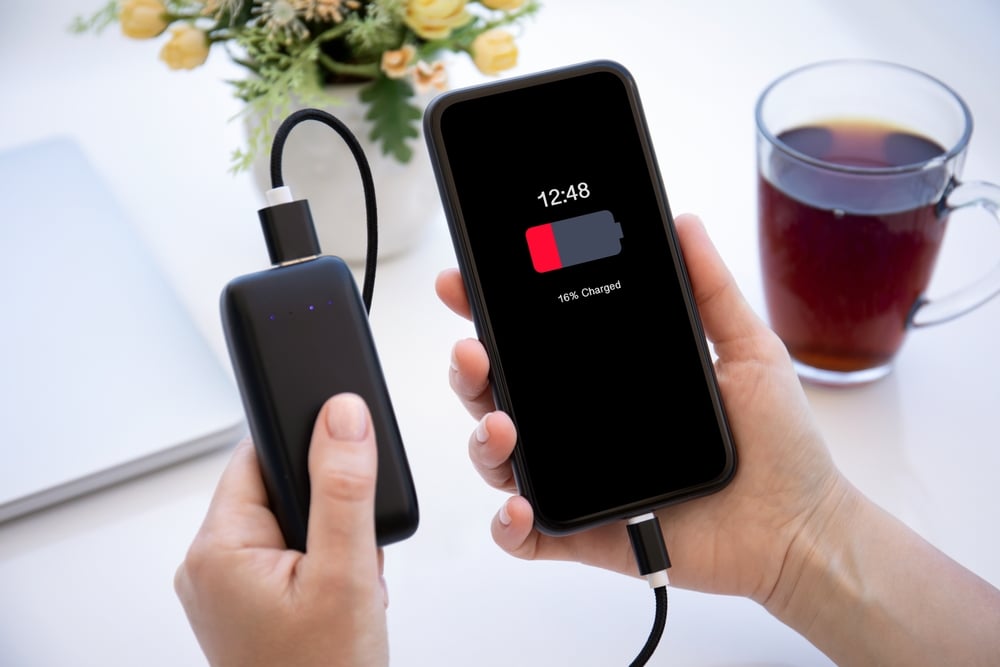
You plug in your phone, and a little while later, you notice it’s warm. Maybe even uncomfortably warm. The instinct to worry makes sense—after all, you’ve heard the horror stories about batteries catching fire. But here’s the thing: some warmth during charging is completely normal. The real question is knowing when that warmth crosses into concerning territory.
1. Some Heat Is Completely Normal
When your phone charges, electrical energy flows into the battery. This process isn’t perfectly efficient—some of that energy gets converted to heat rather than stored power. According to technical experts, typically over 90% of the energy from the charger is stored in the battery, and the remaining few percent that aren’t stored are dissipated as heat, causing your phone to get warm.
The charging circuit and the battery itself both contribute to this warmth. You might notice the phone feels warmer on the back where the battery sits, or near the top where the charging circuitry is located. This is standard physics at work, not a malfunction.
2. Fast Charging Generates More Heat

If you’re using a fast charger, expect more warmth than you’d get from a standard charger. Fast charging technology pumps more power into your battery in less time, and more power means more heat. This is especially noticeable when your battery is below 50%—that’s when the phone pulls the most current and generates the most heat.
According to charging technology research, manufacturers incorporate thermal management systems to mitigate this heat, including software-based charging throttling and hardware cooling solutions. Still, during fast charging, it’s common for phones to feel warm or hot, especially when charging from a low battery level.
3. The Safe Temperature Range Has Clear Boundaries

Most smartphones operate safely when charging between 0°C and 35°C (32°F and 95°F). According to battery temperature guidelines, internal phone systems begin throttling—reducing charging speed—once temperatures exceed 40°C (104°F). Long-term charging above 45°C (113°F) may shorten battery life or damage hardware.
If your phone feels noticeably warm but you can still hold it comfortably, you’re probably fine. If it’s too hot to hold comfortably or you’d hesitate to put it against your face, that’s when you’ve likely crossed into concerning territory.
4. Using Your Phone While Charging Creates Extra Heat

Watching videos, gaming, or running GPS navigation while your phone charges forces your device to work much harder. The processor heats up while the battery is simultaneously warming from the charge. This dual heat source can push temperatures beyond safe levels.
According to device usage research, when combined with the heat generated by charging, intensive phone use can push the device’s temperature beyond safe levels—for example, playing a graphics-intensive game while charging can cause the CPU and GPU to work harder, producing more heat while the battery is also warming up as it accepts current from the charger.
5. Your Charging Environment Matters More Than You Think

Where you charge your phone significantly affects how hot it gets. Charging on soft surfaces like beds or couches traps heat. Charging in direct sunlight adds external heat to the internal heat from charging. Charging under a pillow is genuinely dangerous because there’s no airflow to dissipate warmth.
According to safety guidelines, charging your phone in bed can be hazardous because soft bedding materials trap heat, which can raise the device’s temperature to dangerous levels, possibly leading to fires. Hard, flat surfaces with good airflow are always the better choice.
6. Cheap Or Damaged Cables Can Cause Overheating

Not all charging cables are created equal. Low-quality cables may have thinner wires or poor connectors that create electrical resistance, and resistance generates heat. Frayed cables, bent wires, or exposed insulation can cause uneven power flow that heats up both the cable and your phone.
According to charging safety research, a damaged or worn-out cable can result in overheating—frayed cables, bent wires, or broken insulation may cause the flow of electricity to become irregular, leading to increased resistance and heat. If you notice visible damage to a charging cable, replace it immediately.
7. A Swollen Battery Is A Serious Warning Sign

If your phone’s back panel looks bulged or puffy, or if the screen seems to be lifting away from the body, you may have a swelling battery. This is not a wait-and-see situation. According to fire safety authorities, a device that is swelling or bulging indicates a failing battery—you should look out for any type of lump or leakage from the device as well.
Swelling happens when gases build up inside the battery due to internal chemical reactions going wrong. A swollen battery can rupture, leak toxic chemicals, or catch fire. Stop using the device immediately and don’t charge it further.
8. Unusual Sounds Or Smells Require Immediate Action

A phone that’s working properly doesn’t make hissing, cracking, or popping sounds. It definitely doesn’t smell like chemicals or burning plastic. According to emergency safety guidelines, failing lithium-ion batteries can make hissing, cracking, or popping sounds, and you should pay attention to any strong or unusual odors coming from the battery—lithium-ion batteries emit toxic fumes when they fail.
If you notice any of these signs, stop charging immediately. Move the device away from flammable materials if you can do so safely. Don’t try to investigate by opening the phone yourself.
9. Repeated Overheating Warnings Are A Real Problem

Modern phones have built-in temperature sensors that trigger warning messages when things get too hot. An occasional warning on a hot summer day after heavy use might not be cause for alarm. But if your phone frequently displays overheating alerts during normal charging, something is wrong.
According to device safety experts, if your phone constantly warns about high temperatures, you should get it checked—frequent overheating alerts indicate an underlying issue that needs professional attention before it becomes dangerous.
10. Old Batteries Generate More Heat

As batteries age, their internal resistance increases. Higher resistance means more energy gets converted to heat rather than stored power. If your phone is several years old and suddenly runs hotter during charging than it used to, the battery may be degrading.
According to battery technology research, an old or faulty battery can result in more heating compared to when it was new due to increased internal resistance. Battery replacement by a qualified technician can often solve this problem.
11. Wireless Charging Produces More Heat

The electromagnetic induction that makes wireless charging work is inherently less efficient than a direct cable connection. Some of that energy gets lost as heat during the transfer between the charging pad and your phone.
According to charging efficiency research, wireless charging typically creates more heat than wired charging because the coil-to-coil energy transfer is less efficient—around 20-30% of the energy can be lost as heat during wireless charging, and using poorly aligned chargers increases this heat loss even more.
12. Removing Your Case Can Help

Phone cases protect against drops, but they also insulate your device. During charging, that insulation can trap heat that would otherwise dissipate naturally. Thick, rugged cases are particularly problematic because they create a barrier between your phone and the cooler air around it.
If your phone regularly runs warm during charging, try removing the case while it charges. This simple step allows heat to escape more easily and can make a noticeable difference in how hot your device gets.
13. Know When To Stop Charging And Get Help

If your phone becomes too hot to hold comfortably, unplug it immediately and let it cool down before resuming charging. If you notice swelling, unusual sounds, strange smells, or smoke, stop using the device entirely and don’t attempt to charge it again.
According to fire safety authorities, if your device is smoking, a fire may have already started—get outside, stay outside, and call emergency services. While complete battery failures are rare, they happen quickly when they do occur. Taking warning signs seriously protects both your device and your safety.


